
Searching Wabaunsee County Cases by Name
Kansas CaseSearch is the official starting point for a Wabaunsee County district case. It is statewide, so a name alone can produce unrelated results. Select District, choose Party Name, and set County to Wabaunsee. The official help accepts a surname followed by a first name and permits a trailing wildcard after the minimum characters. Add a case type or filing-date range when a common name returns too many records. A result should be checked against its county, filing date, case type, and status before it is treated as the correct court docket.
- Open CaseSearch, accept its terms, and choose District.
- Select Party Name and enter the surname, then the first name.
- Choose Wabaunsee County and add useful type or date filters.
- Complete the human check and compare each result before opening it.
| Field Label | Type | Required | Notes |
|---|---|---|---|
| Search Type | Select | Yes | Case Number, Party Name, Business Name, Party As Business Name, or Citation Number |
| Search Term | Text | Yes | Meaning follows the chosen search type |
| County | Select | Conditional | Choose Wabaunsee for a local name search |
| Case Type | Select | No | Criminal, civil, family, or probate and mental health |
| File Date From/To | Date | No | Limits results by filing window |
Wabaunsee CaseSearch Field Guide
The official form provides six practical routes: case number, party name, business name, party as business name, citation number, and the separate appellate context. Business Name needs at least four characters. Party-name help calls for at least three letters of the surname and one of the first name. A wildcard can extend a partial term, but it does not correct a misspelling or identify the right person.
The official CaseSearch form itself is shown in a Kansas Judicial Branch application capture.
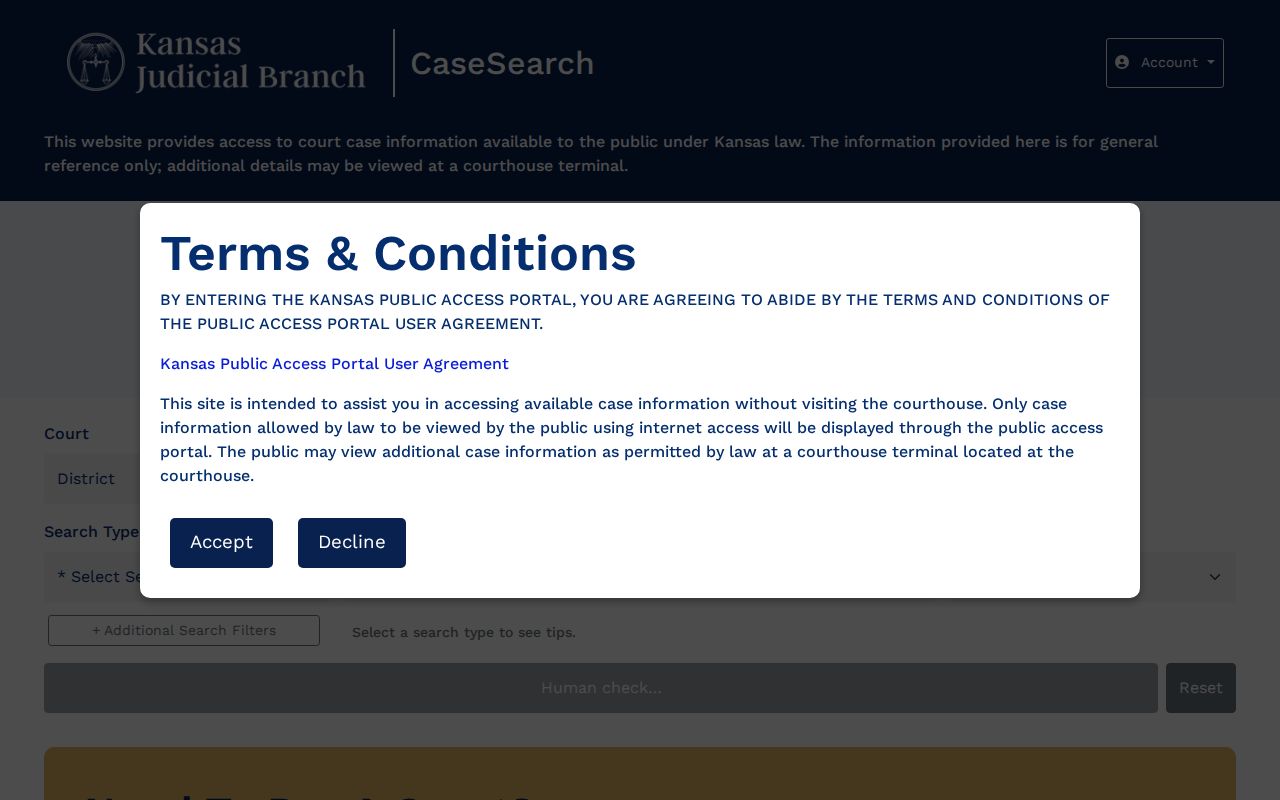
The form illustrates why selecting both District and Wabaunsee County is a key part of a local search.
Searching by Case Number
A full number is the cleanest Wabaunsee County case search key. New Enterprise Justice Odyssey numbers begin with the county code, four-digit year, case-type code, and six-digit sequence. Since CaseSearch uses WB for Wabaunsee, current formats should resemble WB-YYYY-CR-###### for criminal matters and WB-YYYY-CV-###### for civil matters. Those are format guides, not real case records. Older numbers may omit WB. Enter the full value first and select Wabaunsee when the number does not name the county.
Wabaunsee Search Help Matters
Tooltips define what each search route expects. They also prevent a common error: treating Business Name and Party As Business Name as the same field. One searches an organization name, while the other follows the portal's business-related party field. The public search still requires a human-verification step.
The official CaseSearch tooltip source documents those input rules.
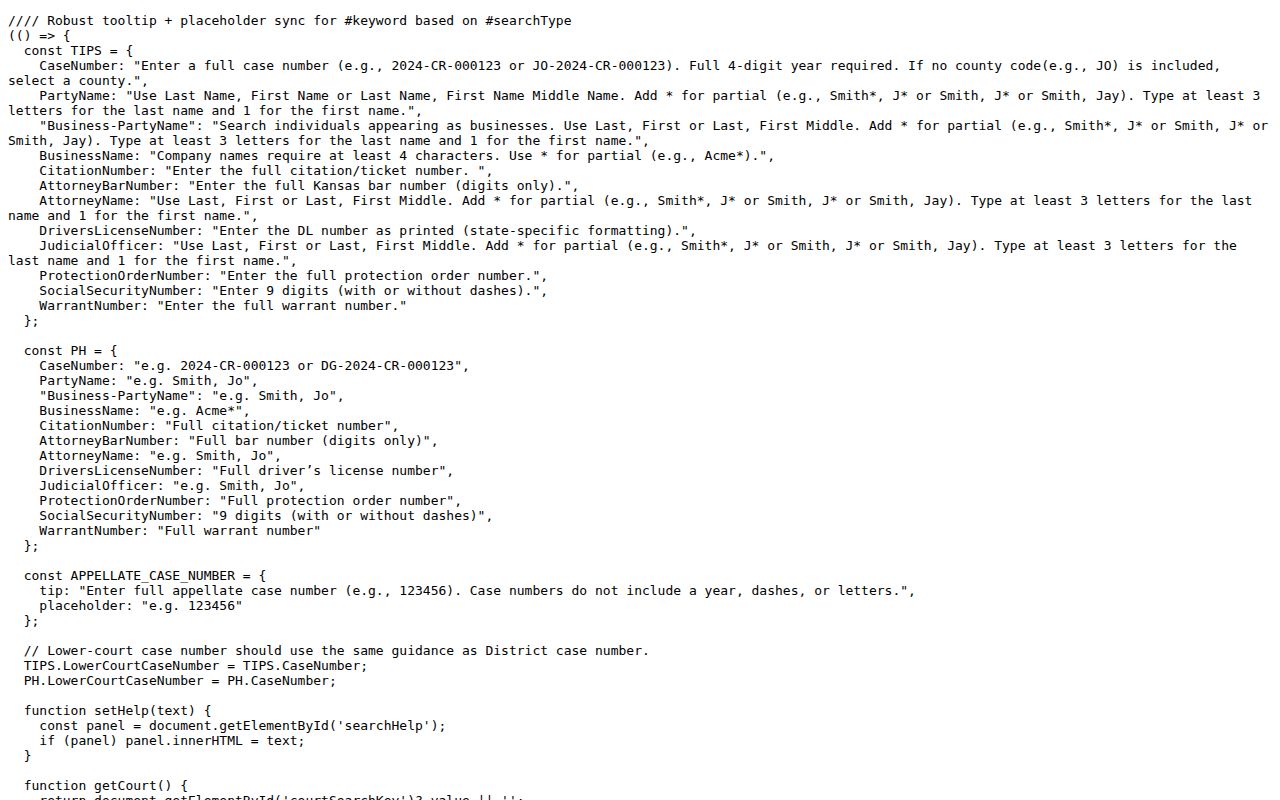
That field guidance supports more precise searches and fewer false matches.
What a Case Search Returns
A permitted result can lead from a short list entry to a case header and chronological events index. Read it in layers. The header identifies the court, number, category, filing date, parties, judge, and status where public. The events list gives brief descriptions of filings, hearings, orders, and other steps. A settings area may state a date, time, judicial officer, place, and setting type. Financial information may appear, but a missing balance does not prove none exists. A brief disposition is also not the signed judgment.
| Case Number | The court's unique identifier and best clerk reference |
|---|---|
| Parties/Counsel | Public names and attorneys recorded in the case |
| Case Type | Criminal, civil, family, or probate and mental-health category |
| Settings | Public date, time, judge, location, and event type when available |
| Events/Status | Chronological activity and current public status, not the whole file |
Wabaunsee Web Search Fallback
A challenge screen, outage, or empty result is not proof that no Wabaunsee County case exists. Check the Kansas Judiciary service-status page, then try the public terminal at the Alma courthouse. Rule 22 requires courthouse terminal access to permitted records, and the terminal can display some public converted material that the web portal cannot show. The Clerk of the District Court is the next step for older files, document questions, or a precise written request. For a city ticket, contact the issuing city's municipal clerk instead.
Wabaunsee Municipal Case Searches
A city citation may never appear in Kansas CaseSearch because the statewide portal covers district and appellate courts, not a shared municipal docket. Wabaunsee County's five largest incorporated places each use a local channel. Alma has a City Hall contact and published municipal-code chapters. Eskridge identifies municipal-court roles on its official government page. Alta Vista's code establishes a municipal court, while Maple Hill and Paxico do not provide public docket portals in the reviewed official sources.
Begin with the ticket. Give the city office its citation number, issue date, issuing agency, and the name exactly as printed. Ask for the current setting and the method for requesting the public record. Do not use an annual caseload table as a live status check. A reported zero only describes the captured fiscal-year categories. It does not establish that a court is closed, a ticket was dismissed, or no current case exists.
If a municipal judgment is appealed into the district system, the appeal creates a district-court layer. The original city record still belongs to the municipal custodian. Search each court separately and keep the two case numbers distinct.
This routing step also prevents a municipal no-result from being mistaken for a district-court dismissal.
Statewide vs County Case Search
Wabaunsee County does not publish a separate county-only docket database. CaseSearch is the statewide district and appellate portal, while the county provides the local clerk, counter, terminal, mail, fax, and records-request routes. The key comparison is therefore online statewide access versus local custody. Neither route includes a city's original municipal docket. Federal cases use PACER and the District of Kansas instead.
| Kansas CaseSearch | Wabaunsee Local Access |
|---|---|
| State district and appellate public case information | Wabaunsee district files and clerk services |
| Guest web access with Rule 22 limits | Terminal, counter, phone, mail, and written requests |
| Best for finding a number or public event index | Best for copies, certification, older material, and help |
Wabaunsee eFiling Is Separate
The Kansas Courts eFiling System is for authorized filing users. It feeds the statewide case-management system, but it is not the public court docket search. Signing into eFiling is not a way to gain public access to a file.
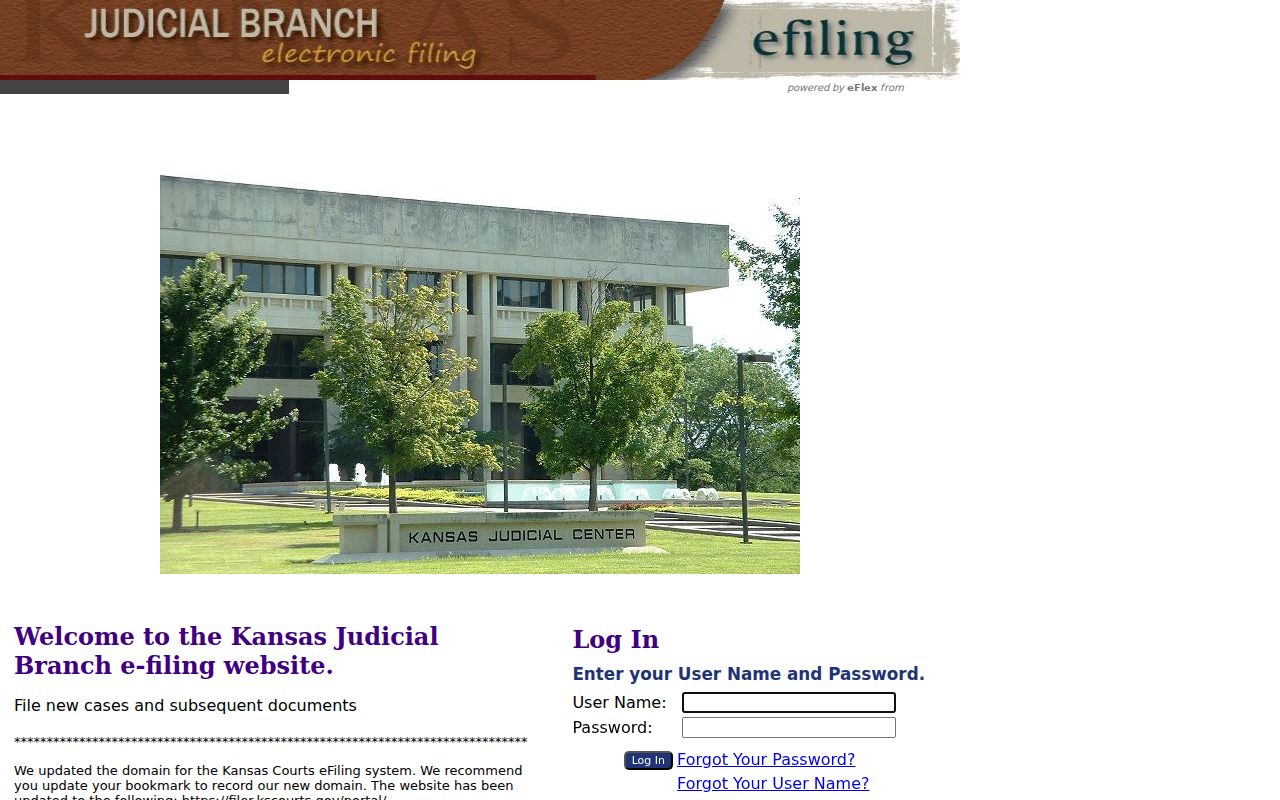
The separate login demonstrates the difference between submitting court papers and reading public case information.
Access and Restricted Cases
Kansas Supreme Court Rule 22 permits public portal and terminal access but excludes protected cases and documents. Adoption, child-in-need-of-care, many juvenile, mental-health, expunged, protection-order, and other sensitive materials do not behave like ordinary public cases. Rule 24 also requires protection of full birth dates, Social Security numbers, financial accounts, and other listed identifiers. A public header may remain visible while a document is withheld, or the whole matter may be absent.
Sealed, restricted, expunged, and older pre-Odyssey records are different conditions. A Kansas Open Records Act request cannot override a seal or confidentiality law. The clerk can identify the lawful route, but cannot release a nonpublic file. For public court records behind an events index, the contextual Wabaunsee County court records process explains copies and certification.